

Create team-based workspaces, invite members, and build together in a unified environment.
Teams Overview
Working with Team Projects
A Team Project allows multiple members to create tasks, review work, and collaborate with shared context and structure.Team Collaboration
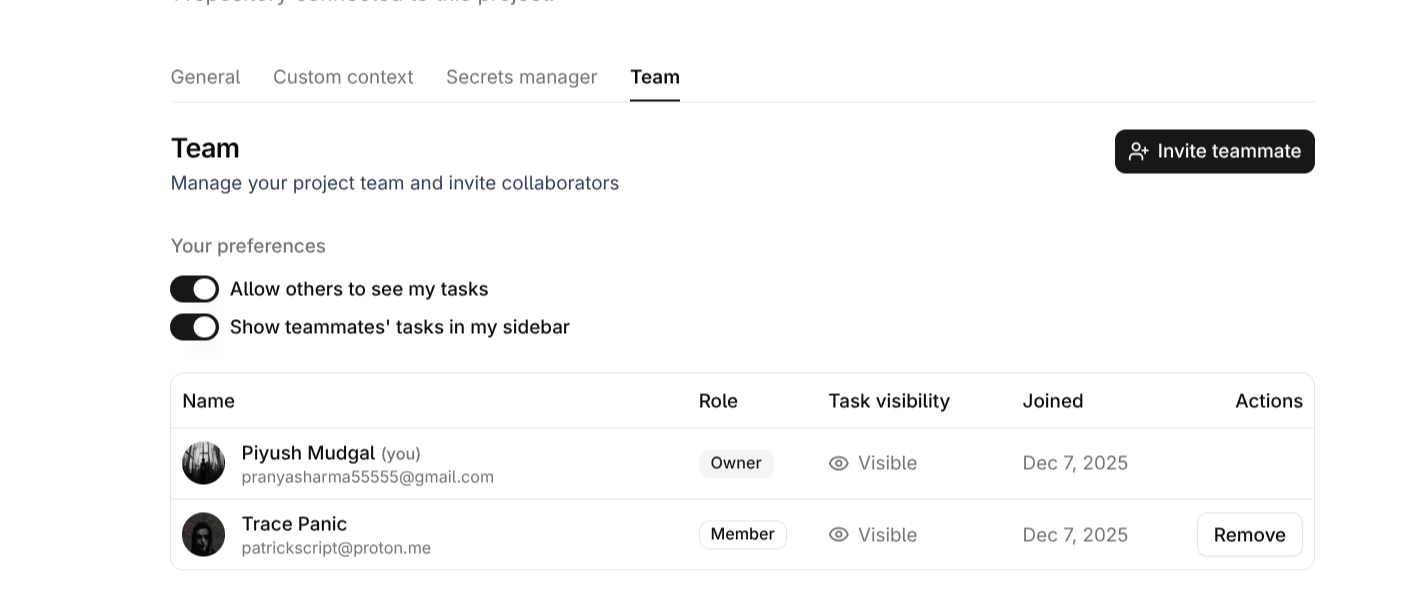
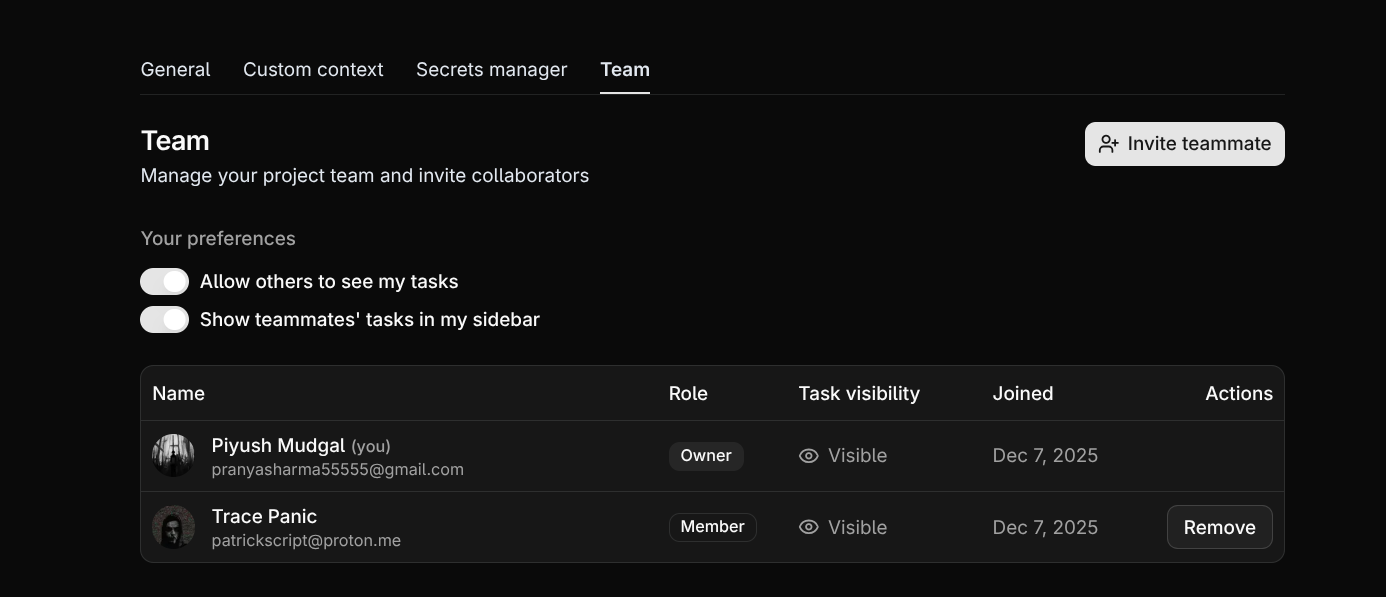
Every team member can create tasks and, when permitted, view tasks created by others — supporting transparent, coordinated development.
Every team member can create tasks and, when permitted, view tasks created by others — supporting transparent, coordinated development.
Managing Team Members
Invite teammates via a shareable link or email and assign roles that match your workflow needs.Roles & Permissions
- Owner: Full administrative access, including managing billing, settings, and removing members.
- Member: Can create and view tasks, and collaborate on projects.
Access Control
· `
Manage your team effectively by assigning roles (Owner or Member). Owners have the ability to remove teammates and adjust permissions as the team evolves.
· `
Manage your team effectively by assigning roles (Owner or Member). Owners have the ability to remove teammates and adjust permissions as the team evolves.
Shared Visibility and Tasks
Shared Visibility
This fosters transparency, reduces duplicate efforts, and aligns the entire group around shared goals.
Task Visibility
Members can choose whether their tasks are visible to the team — ideal for collaboration, reviews, and shared planning.
Members can choose whether their tasks are visible to the team — ideal for collaboration, reviews, and shared planning.
Collaboration with CompyleAI
CompyleAI supports full team collaboration with synchronized updates and shared project understanding.All members can work concurrently while Compyle maintains structure, safety, and accuracy.
Real-Time Team Support
Work together effortlessly with live updates, synchronized changes, and a consistent project context across the entire team.
Work together effortlessly with live updates, synchronized changes, and a consistent project context across the entire team.