

Pull Requests & Best Practices
Each task corresponds to one pull request.1 Task = 1 Pull Request
Keeping one task per PR ensures organized commits and easier reviews.
Keeping one task per PR ensures organized commits and easier reviews.
The Create PR button appears only after the model has generated code.
If no code exists yet, the button will not be visible.
If no code exists yet, the button will not be visible.
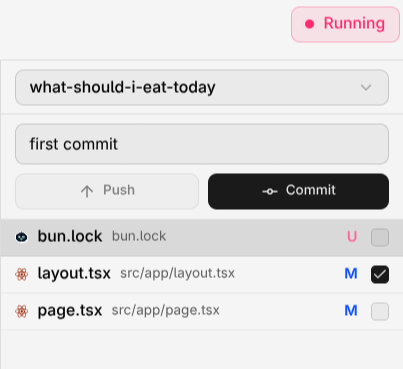
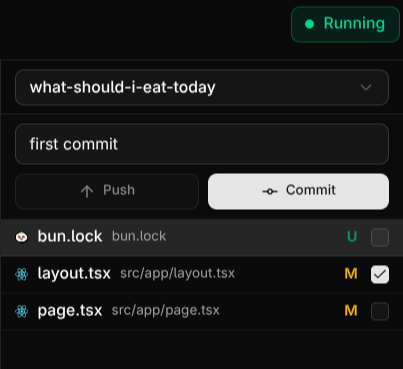
Compyle Commit Interface
New Update
• You can now commit manually and push using custom commit messages.
• You can push new changes to an existing PR by selecting the files you want to include.
• A built-in Editor is now available for all new tasks, allowing you to freely edit and test your code inside Compyle.
Learn more in the Editor page.
• You can now commit manually and push using custom commit messages.
• You can push new changes to an existing PR by selecting the files you want to include.
• A built-in Editor is now available for all new tasks, allowing you to freely edit and test your code inside Compyle.
Learn more in the Editor page.
Review & Merge
After Compyle creates a pull request (PR), review it on GitHub before merging.

GitHub Pull Request View
Reviewing the Pull Request
- Go to your connected GitHub account.
- Open the repository where Compyle created the PR.
- Review the changes under the Files changed tab.
- If everything looks good, click Merge pull request.
Downloading the Updated Code
After merging, you can access the updated project in two ways:- Using Git:
-
Manually via GitHub:
- Go to your repository on GitHub.
- Click the green Code button.
- Select Download ZIP.
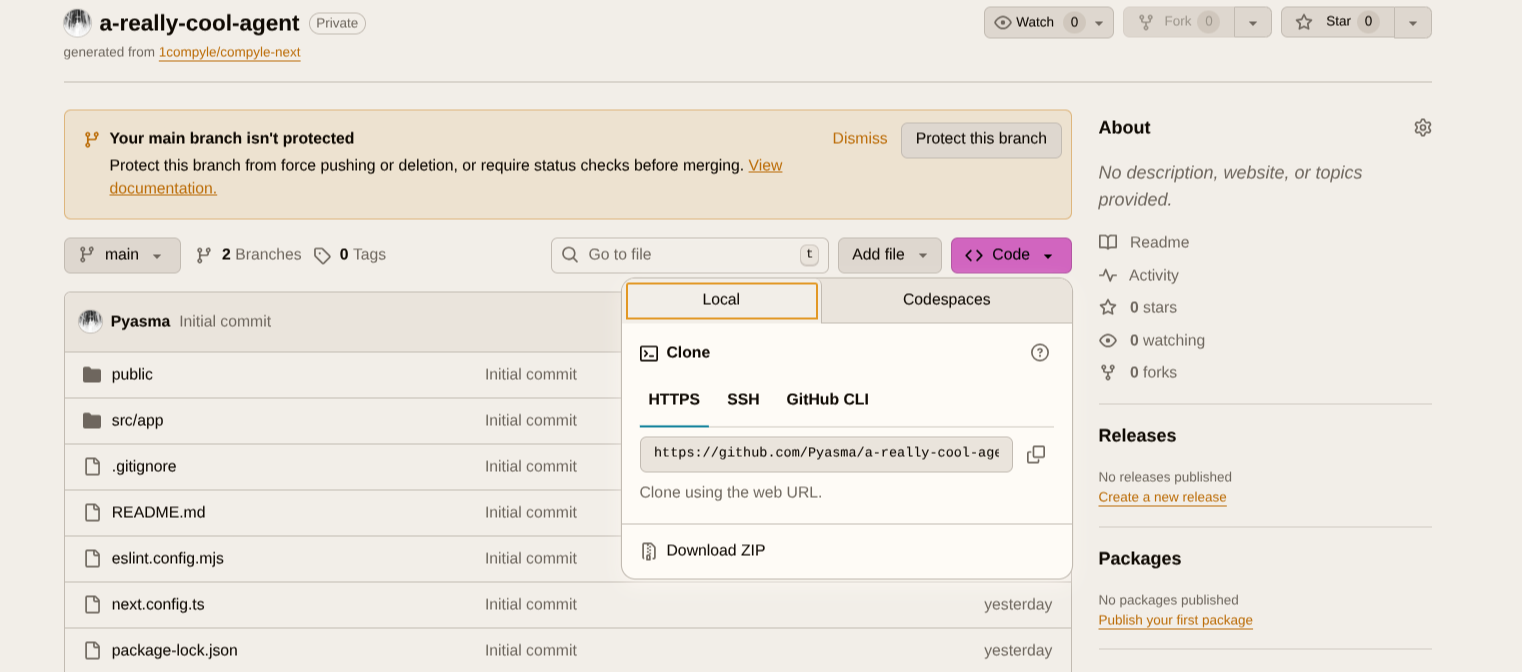
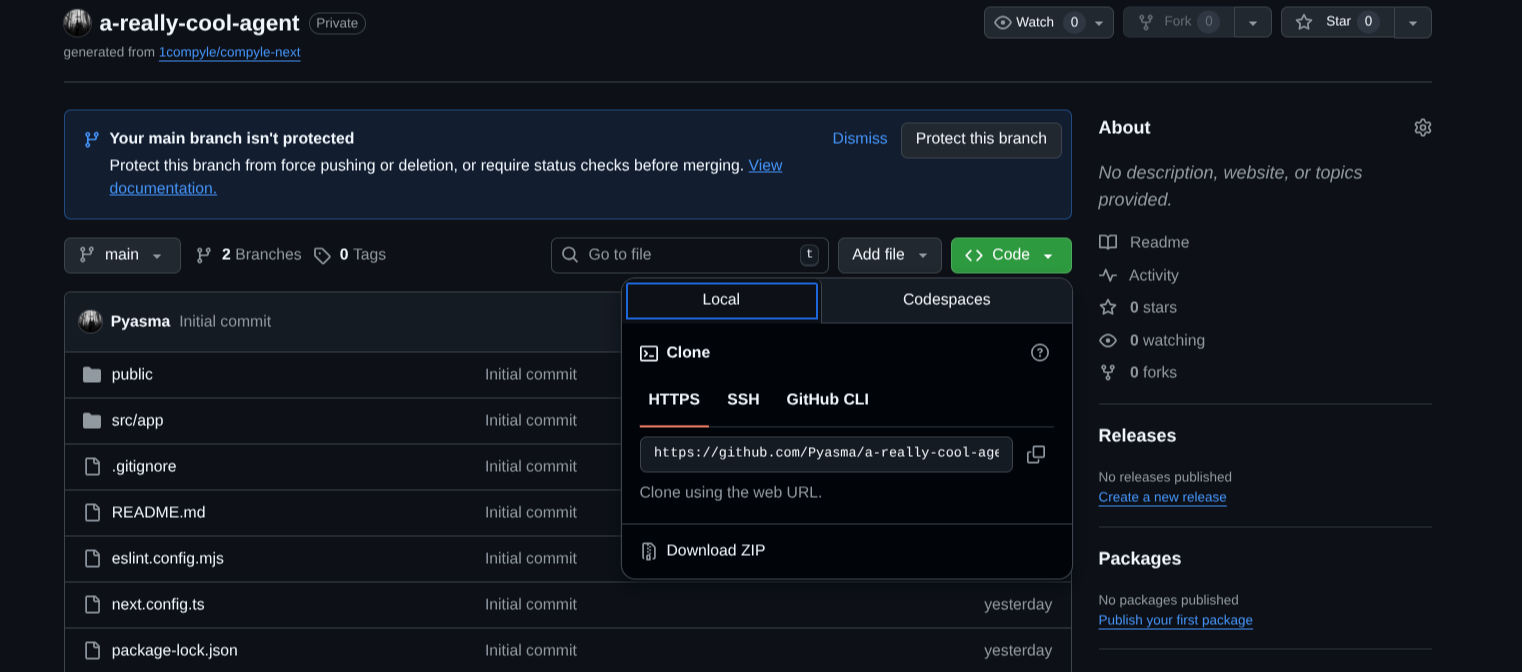
Downloading Project ZIP from GitHub
Settings
In the Settings section, you can manage integrations and customize your Compyle workspace. Currently, only GitHub integration is available, allowing you to connect repositories directly to Compyle for seamless development. Additional integrations are coming soon. You can also switch between light and dark themes in the settings panel to match your preference.Plans
Compyle offers three flexible plans designed for different usage levels — from new builders to professional developers.We offer the best model per plan, providing premium access and credits that scale with your workflow.
Billing & Plans
View plan details and pricing
Models
Checkout different models