> ## Documentation Index
> Fetch the complete documentation index at: https://docs.compyle.ai/llms.txt
> Use this file to discover all available pages before exploring further.
# Setup
### Set Access and Configuration
Next, define your repository’s access settings:
* **Private repository** – Only you and authorized collaborators can access it.
* **Public repository** – Anyone can view and contribute.
You can also configure:
* **.gitignore template** – Defines which files to exclude from version control (such as API keys or secrets). The template varies depending on your project’s language.
***
### Previews
Previews are now live you can preview your code in the [**Preview** Tab](/features/preview) to check it out.
### Move to the Main Dashboard
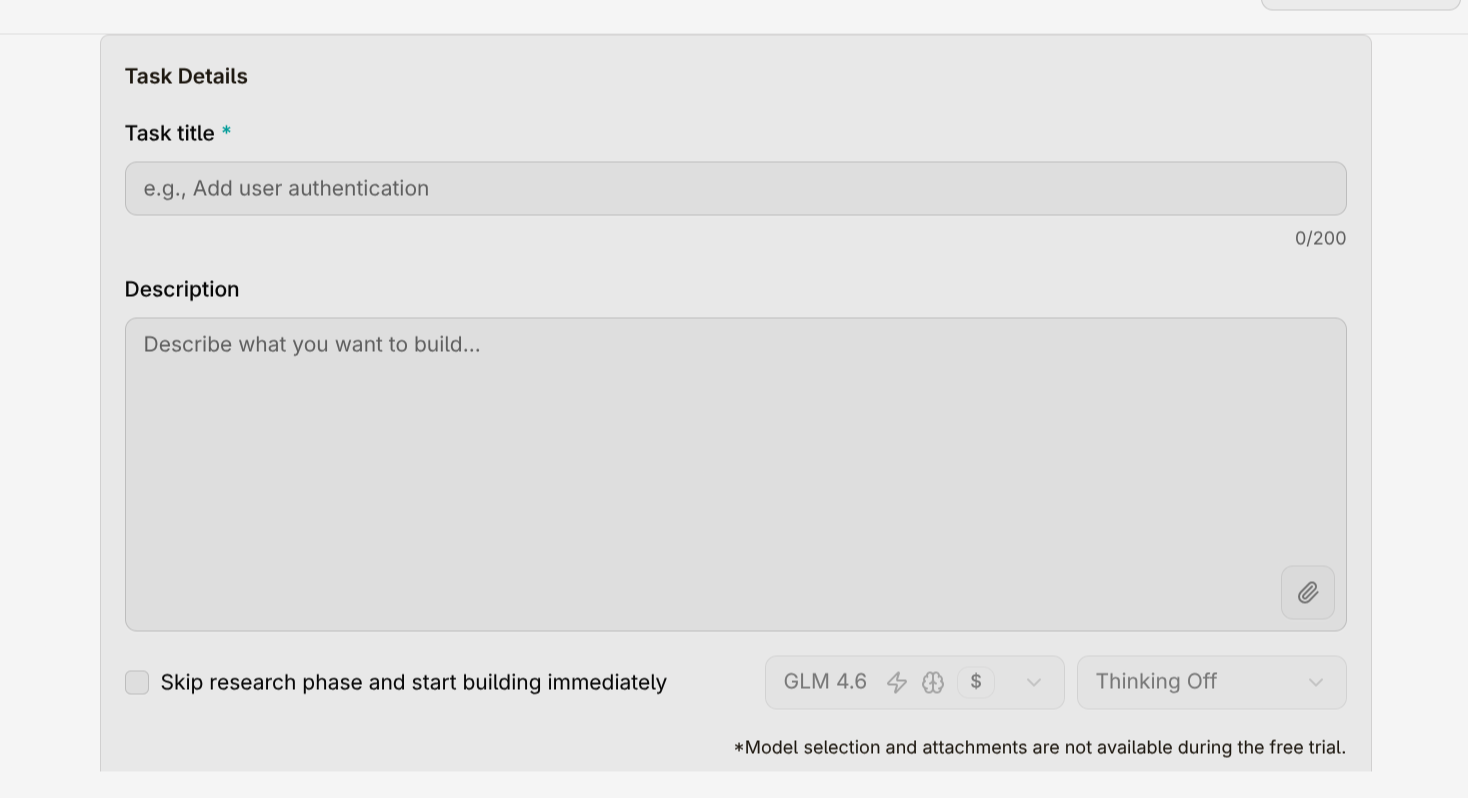
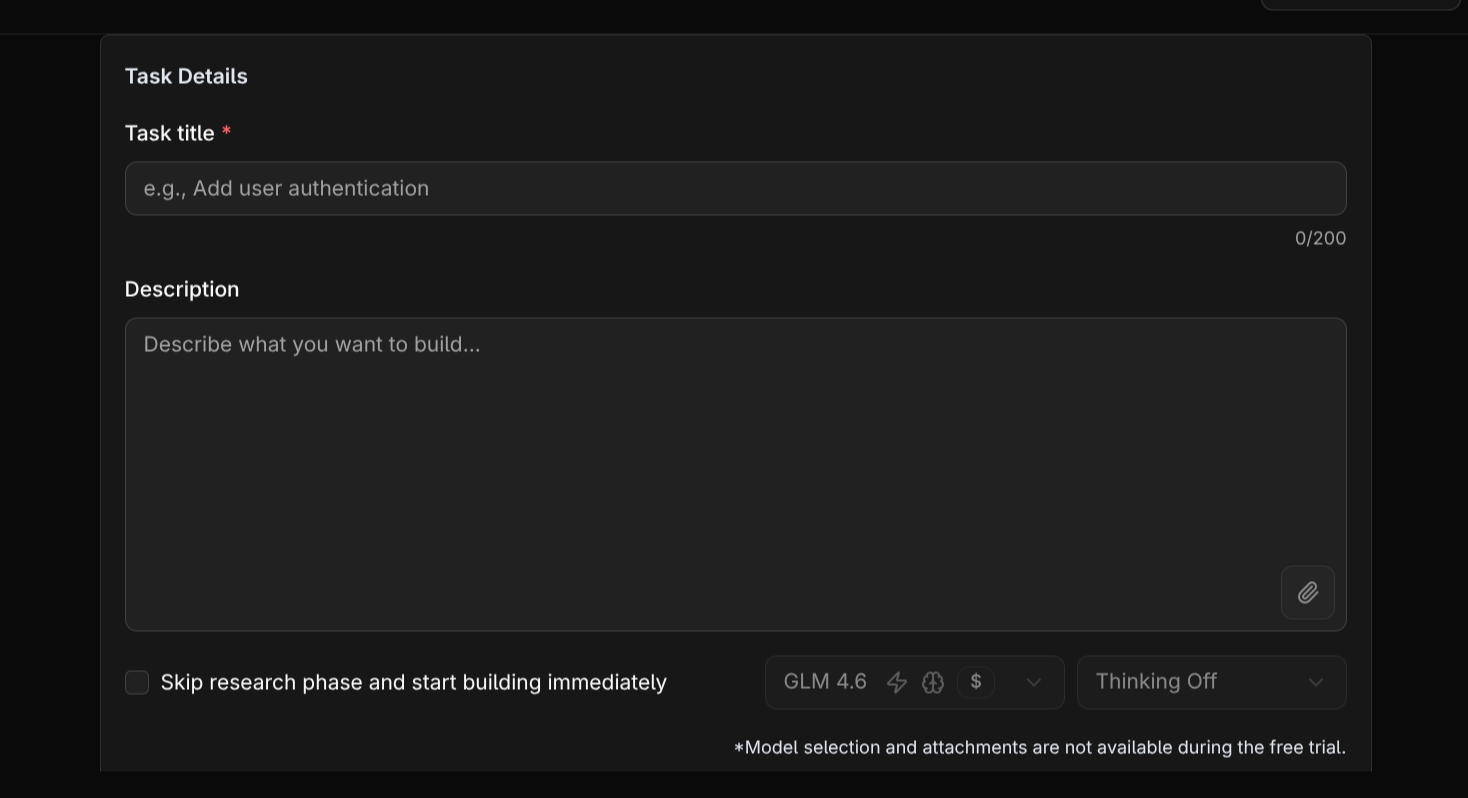
After setup, you’ll be redirected to the **Task Assignment** view.\
Here, you can **create your first task**, give it a clear name, and start building your project with Compyle.
You’ll also see an option called **Skip Research**:
* Enabling this tells the model **not to analyze your existing code**, and to focus only on the new task.
* This is useful when starting from scratch with an empty repository.
* However, if your project already contains code, skipping research can reduce accuracy — since the model won’t understand your current structure or dependencies.
By default, research is enabled to ensure the model produces accurate, context-aware code.
When creating a task, write a **detailed description** of what you want to build.\
This helps the model understand your intent and generate more precise results.
 ***
### Model Selection
You can choose the model you want to work with based on your plan:
* **Free Plan:** Access to **GLM 4.6**, ideal for general tasks.
* **Pro** and **Pro+ Plans:** Unlock access to advanced models for higher performance and faster responses.
***
***
### Model Selection
You can choose the model you want to work with based on your plan:
* **Free Plan:** Access to **GLM 4.6**, ideal for general tasks.
* **Pro** and **Pro+ Plans:** Unlock access to advanced models for higher performance and faster responses.
***