> ## Documentation Index
> Fetch the complete documentation index at: https://docs.compyle.ai/llms.txt
> Use this file to discover all available pages before exploring further.
# GitHub Connection
### Pull Requests & Best Practices
Each **task** corresponds to **one pull request**.
1 Task = 1 Pull Request
Keeping one task per PR ensures organized commits and easier reviews.
Once the model generates code, the **Create PR** button becomes available — allowing you to open a pull request directly from the interface.
The Create PR button appears only after the model has generated code.\
If no code exists yet, the button will not be visible.
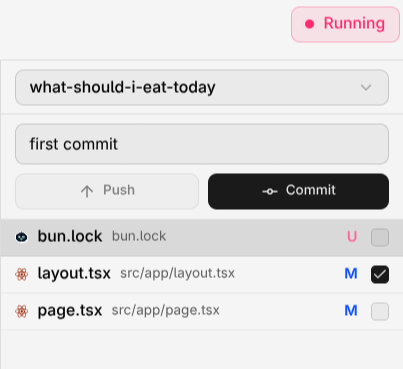
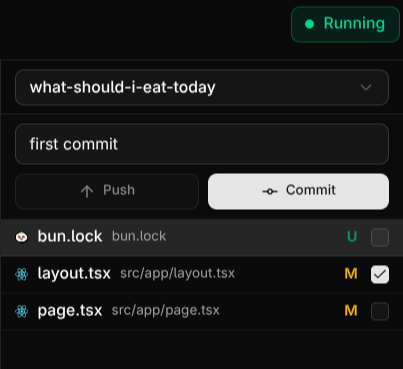 New Update
• You can now **commit manually** and push using **custom commit messages**.
• You can push new changes to an **existing PR** by selecting the files you want to include.
• A built-in **Editor** is now available for all new tasks, allowing you to freely edit and test your code inside Compyle.
Learn more in the Editor page.
***
### Review & Merge
After Compyle creates a **pull request (PR)**, review it on **GitHub** before merging.

 #### Reviewing the Pull Request
1. Go to your connected **GitHub account**.
2. Open the repository where Compyle created the PR.
3. Review the changes under the **Files changed** tab.
4. If everything looks good, click **Merge pull request**.
Merging the PR updates your codebase with Compyle’s generated code.
#### Downloading the Updated Code
After merging, you can access the updated project in two ways:
* **Using Git:**
```bash theme={null}
git clone
```
* **Manually via GitHub:**
1. Go to your repository on GitHub.
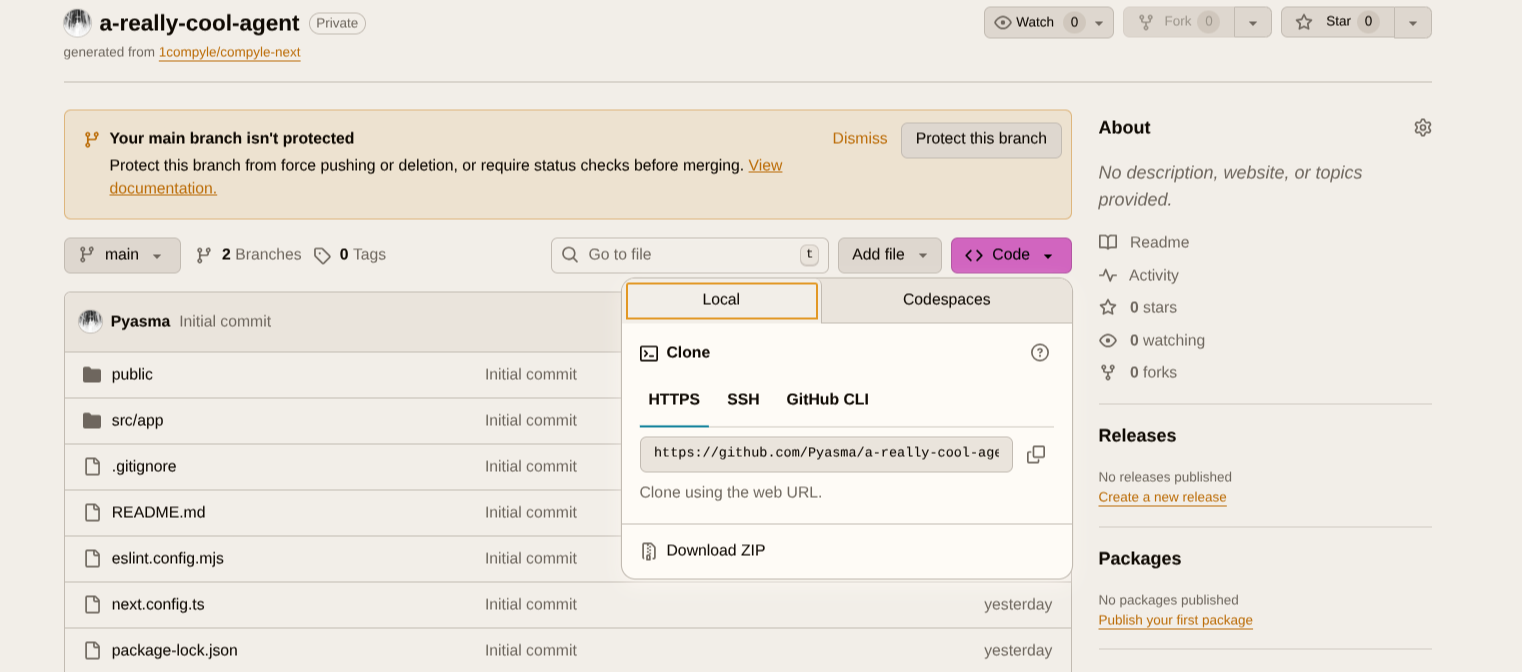
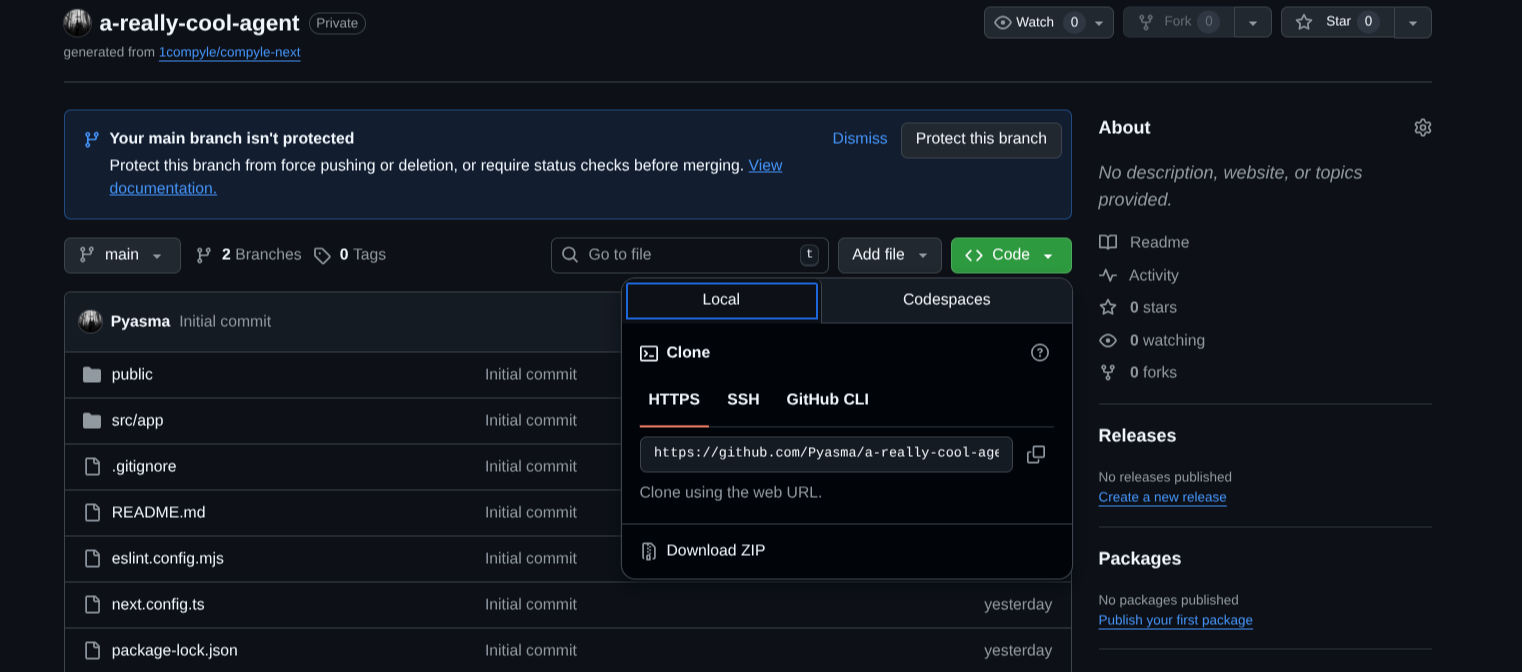
2. Click the green **Code** button.
3. Select **Download ZIP**.
#### Reviewing the Pull Request
1. Go to your connected **GitHub account**.
2. Open the repository where Compyle created the PR.
3. Review the changes under the **Files changed** tab.
4. If everything looks good, click **Merge pull request**.
Merging the PR updates your codebase with Compyle’s generated code.
#### Downloading the Updated Code
After merging, you can access the updated project in two ways:
* **Using Git:**
```bash theme={null}
git clone
```
* **Manually via GitHub:**
1. Go to your repository on GitHub.
2. Click the green **Code** button.
3. Select **Download ZIP**.
 ***
### Settings
In the **Settings** section, you can manage integrations and customize your Compyle workspace.
Currently, only **GitHub integration** is available, allowing you to connect repositories directly to Compyle for seamless development.
Additional integrations are coming soon.
You can also switch between **light** and **dark** themes in the settings panel to match your preference.
***
### Plans
Compyle offers three flexible plans designed for different usage levels — from new builders to professional developers.
We offer the best model per plan, providing premium access and credits that scale with your workflow.
View plan details and pricing
Checkout different models
***
### Settings
In the **Settings** section, you can manage integrations and customize your Compyle workspace.
Currently, only **GitHub integration** is available, allowing you to connect repositories directly to Compyle for seamless development.
Additional integrations are coming soon.
You can also switch between **light** and **dark** themes in the settings panel to match your preference.
***
### Plans
Compyle offers three flexible plans designed for different usage levels — from new builders to professional developers.
We offer the best model per plan, providing premium access and credits that scale with your workflow.
View plan details and pricing
Checkout different models