> ## Documentation Index
> Fetch the complete documentation index at: https://docs.compyle.ai/llms.txt
> Use this file to discover all available pages before exploring further.
# Getting Started with Compyle
Visit the Compyle website.
Click **Try Compyle for Free**.
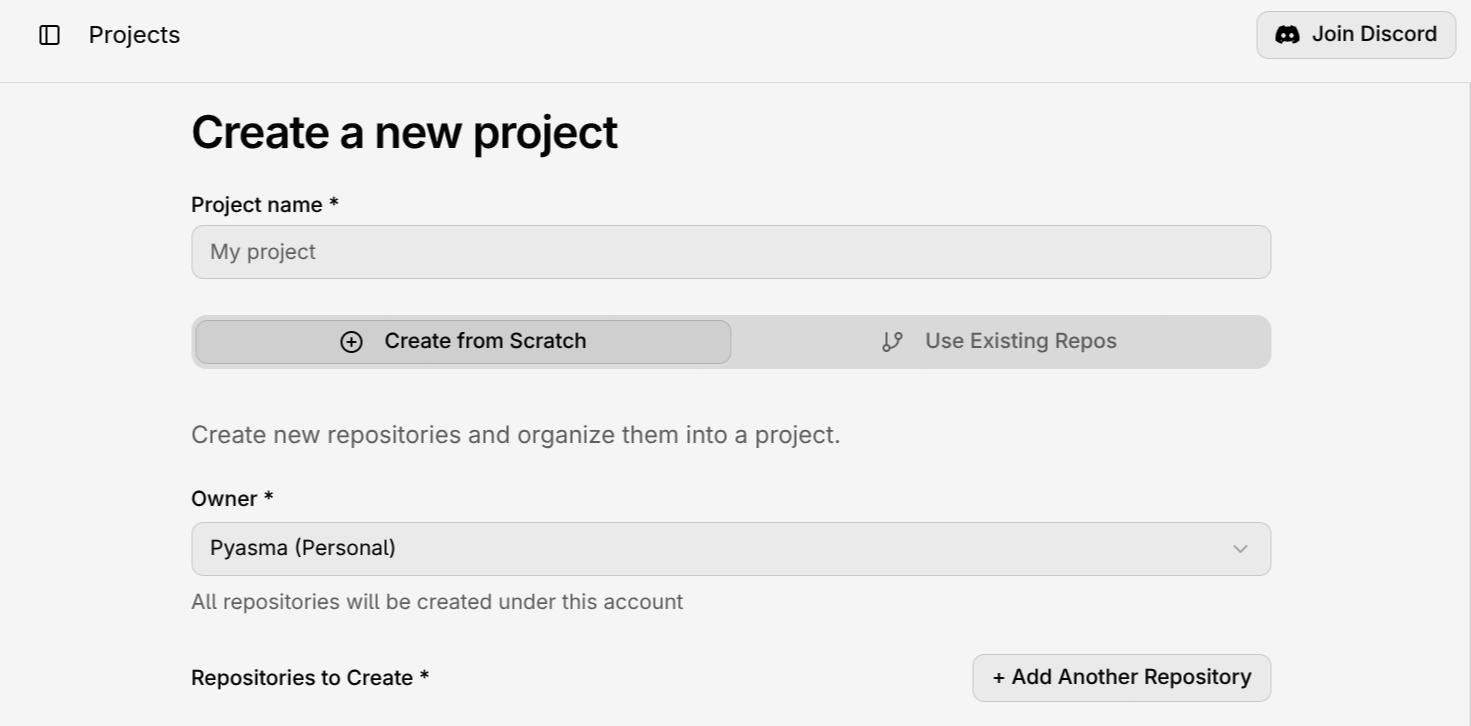
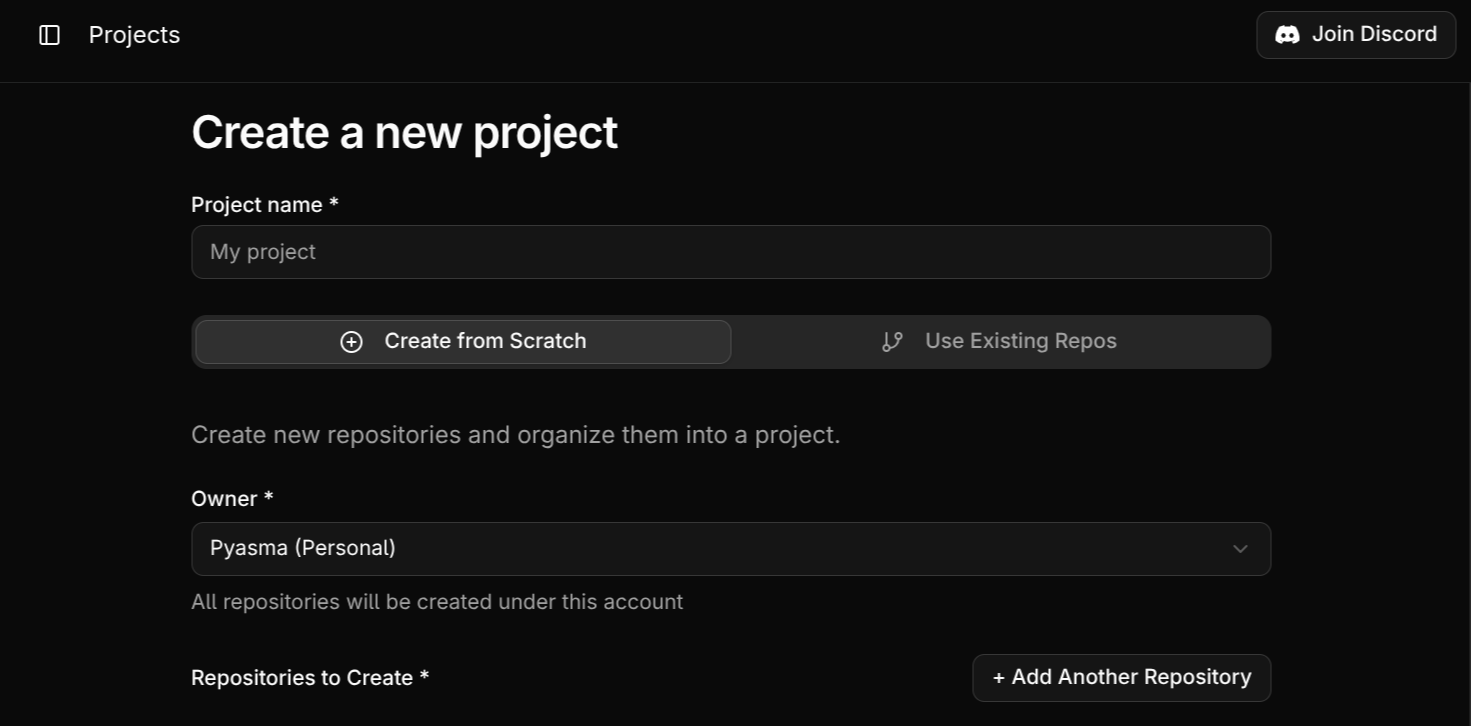
You’ll then see a screen like this:
 ***
### Choose How You Want to Start
You’ll have two options:
* **Use existing repositories** – Select one or more repositories to connect with Compyle.
* **Create from scratch** – Start a brand-new repository.
For both options, you’ll need to:
* Enter a **project name**
* Enter a **repository name** or Choose the **repositories**
* (Optional) Add and Manager **team members**
* (Optional) Add and Manage **Secrets**
***
***
### Choose How You Want to Start
You’ll have two options:
* **Use existing repositories** – Select one or more repositories to connect with Compyle.
* **Create from scratch** – Start a brand-new repository.
For both options, you’ll need to:
* Enter a **project name**
* Enter a **repository name** or Choose the **repositories**
* (Optional) Add and Manager **team members**
* (Optional) Add and Manage **Secrets**
***